
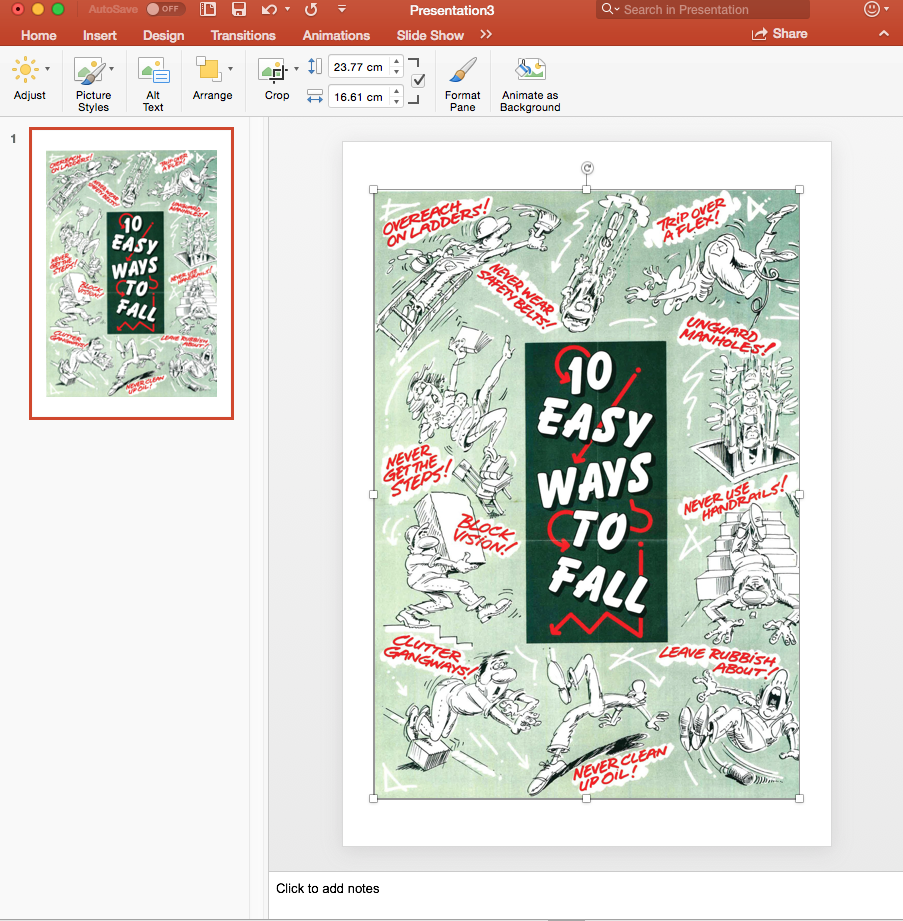
The software doesn’t currently support PDF’s, but we understand that lots of your portrait posters will be in pdf format. We use an easy PowerPoint workaround below:
- Open a blank PowerPoint document and change the orientation to portrait (by selecting the ‘Design’ tab > ‘slide size’ > ‘Page Setup’ > and then at the bottom where it says orientation select the arrow pointing up on the portrait diagram).
- Drag and drop your pdf poster into your PowerPoint and save it as a JPEG.
- Add it to your playlist the usual way.
Using your Hard Hat TV for Presentations
- Inside the Hard Hat TV box you will find a wireless keyboard and mouse which can be used, if you wish, for viewing Word, PowerPoint and PDF Documents.
- To use any of these, connect your keyboard and press escape to exit your playlist and take you to the desktop.
- On the left side of the screen you will see a USB slot which you can use to insert your USB stick with relevant documents in either Word, PowerPoint or PDF.
- When you’ve finished press the icon on the desktop with an ‘S’ and this will take you back to your playlist.